

How to Write Effective User Stories for Salesforce Experience Cloud Projects
Salesforce Experience Cloud allows organizations to create secure digital portals where customers, partners, and communities can interact directly with the business. Through these portals, external users can access knowledge articles, submit service requests, track cases, collaborate with teams, and manage their own information.
While Experience Cloud is powerful, building a successful portal requires careful planning. One of the most important elements of any Salesforce Experience Cloud project is defining clear user stories. These user stories describe the needs of users and guide the development process.
Unlike traditional Salesforce implementations that focus on internal users, Experience Cloud projects focus heavily on external user experience. This means that organizations must consider usability, branding, and navigation in addition to functionality.
Organizations that work with Salesforce Community Cloud Services often start their implementation by building a structured user story framework. This approach ensures that the portal experience aligns with both business goals and user expectations.
In this guide, we will examine how to create effective user stories for Salesforce Experience Cloud projects and how these stories help teams design better digital experiences.
Understanding the Role of User Stories in Experience Cloud Projects
User stories are simple descriptions of system functionality written from the perspective of the user. They help development teams understand what users need and why those features matter.

Most user stories follow a standard format:
As a [user], I need the ability to [action] so that [outcome].
This format helps teams focus on the user’s goal rather than technical implementation.
In Experience Cloud projects, user stories are even more important because the platform is designed for external audiences. Customers and partners expect intuitive navigation, responsive interfaces, and seamless digital experiences.
Organizations implementing Experience Cloud portals often collaborate with Salesforce Implementation Services teams to ensure that user stories reflect both technical feasibility and business objectives.
Using Project Artifacts to Create User Story Inventory
During the planning stage of an Experience Cloud project, teams usually create several project artifacts. These artifacts may include interface designs, process diagrams, and system workflows.
Design tools such as Figma, Adobe XD, and Miro are commonly used to visualize how the final portal will look and function. These designs provide valuable input when building a list of user stories.
Each interface component can be converted into a user story. For example:
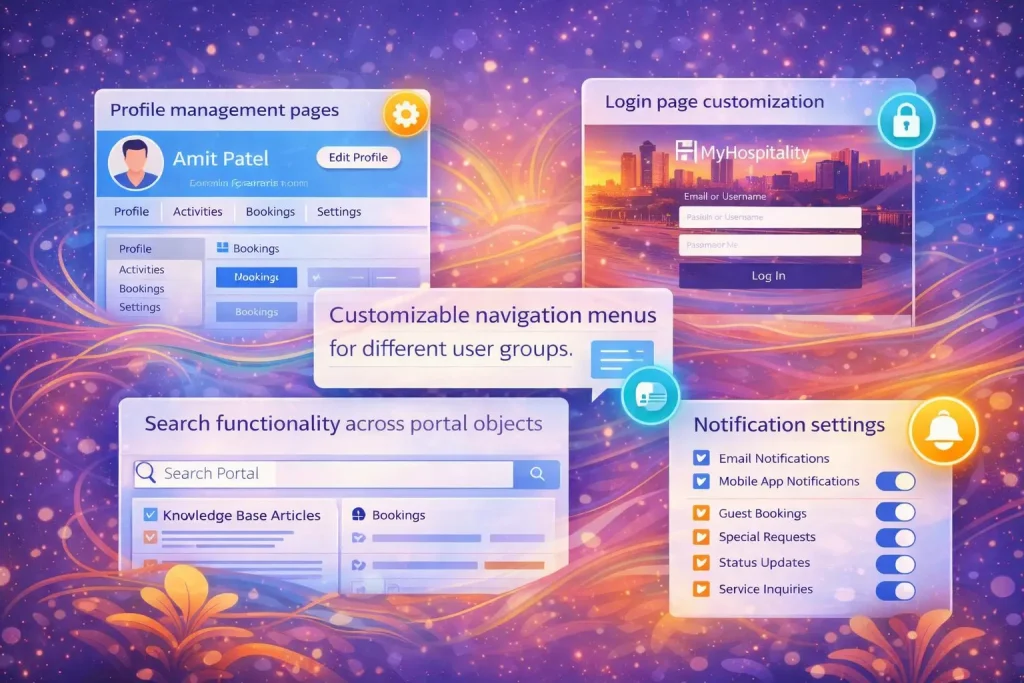
- navigation menus
- dashboard components
- search functionality
- profile management sections
- knowledge article access
Once these elements are identified, teams can determine how each feature will be implemented.
Some features may be available as standard Salesforce capabilities, while others might require AppExchange solutions or custom Lightning Web Components.
Organizations integrating campaign engagement into their portals often coordinate these features with Salesforce Marketing Cloud Services, enabling seamless communication between marketing automation and Experience Cloud portals.
Branding User Stories for Experience Cloud
Branding plays a major role in Experience Cloud portals. Unlike internal Salesforce environments, external portals represent the public face of the organization.
Because of this, branding elements should also be captured as user stories.
These stories may include requirements such as:
- displaying company logos
- applying brand color schemes
- defining typography and fonts
- designing header and footer layouts
- implementing custom login pages
Although branding stories may not follow the traditional user story structure perfectly, they still need to be documented.
Example branding user story:
As a partner user, I want the portal interface to reflect the company brand so that I feel confident interacting with the organization.
Capturing branding requirements early helps designers and developers maintain consistency throughout the portal.
Important Experience Cloud Features That Teams Often Miss
When planning Experience Cloud implementations, teams frequently focus on major features such as integrations and automation.
Using Journey Maps to Discover Hidden Requirements
Not every requirement in an Experience Cloud project comes from interface design.
Many features are discovered through journey mapping or process mapping.
Journey maps illustrate how users move through different stages of a process.
For example:
- a partner submitting a deal registration
- a customer submitting a support case
- a volunteer registering for an event
These workflows often reveal automation opportunities.
For instance, when a partner registers a deal, the system might automatically send confirmation emails or notify internal teams for approval.
Organizations that operate educational platforms frequently integrate such workflows with Salesforce Education Cloud Service to manage student or partner engagement across digital portals.
Journey mapping ensures that user stories reflect the complete user journey rather than just individual screens.
Defining User Stories for Data Access and Permissions
Security and data visibility are critical components of any Experience Cloud project.
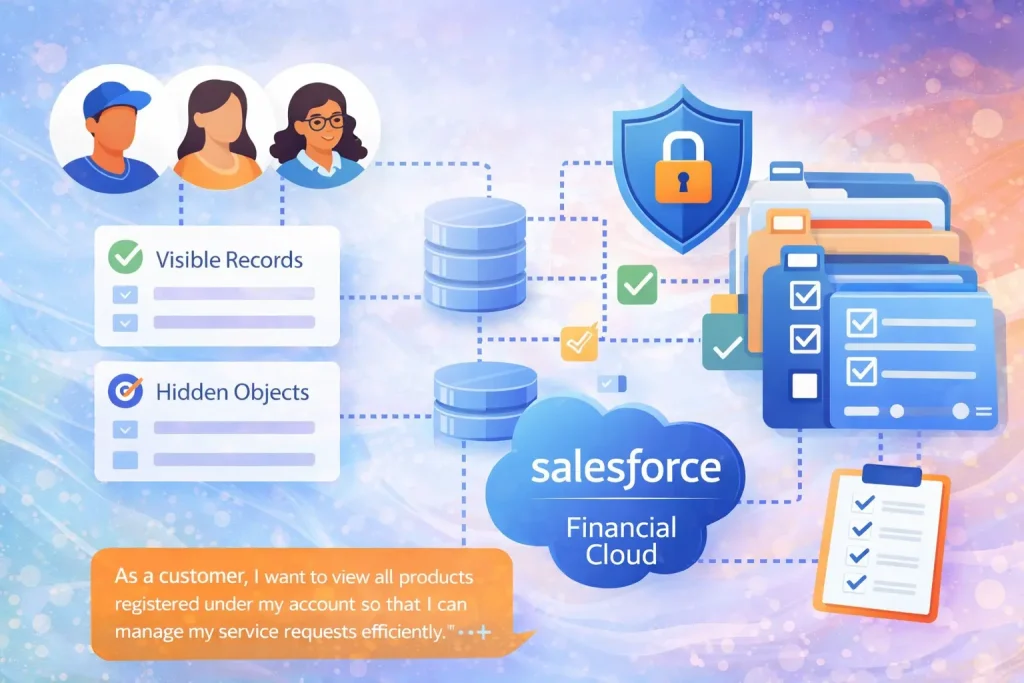
External users should only see data that is relevant to them.
During planning sessions, teams must define:
- which records external users can view
- which objects should be hidden
- which actions users are allowed to perform
These requirements often translate into user stories for permission sets and sharing rules.
Example user story:
As a customer, I want to view all products registered under my account so that I can manage my service requests efficiently.
Financial service organizations implementing secure client portals often integrate permission management with Salesforce Financial Cloud Services to ensure regulatory compliance and data protection.
Supporting Multilingual Experience Cloud Portals
Many organizations serve global audiences that speak different languages. In these cases, Experience Cloud portals must support multilingual capabilities.
Language requirements should be included in user stories early in the project.
Examples of multilingual user stories include:
As a Spanish user, I need to view support articles in Spanish so that I can easily understand the information.
Proper localization ensures that portal content remains accessible and useful for all users.
Healthcare organizations building multilingual support portals often integrate Experience Cloud with Salesforce Health Cloud Services to provide patients with localized access to healthcare information and services.
Using AI to Assist User Story Creation
Artificial intelligence tools can assist teams during the discovery phase of Experience Cloud projects.
AI can analyze meeting transcripts, requirement documents, and design artifacts to generate draft user stories automatically.
These drafts can then be reviewed and refined by project stakeholders.
This approach is particularly helpful when teams do not have a dedicated business analyst.
By automating the initial documentation process, teams can accelerate project planning while maintaining consistency in their user story structure.
Final Thoughts
Creating user stories for Salesforce Experience Cloud projects requires more than documenting technical requirements.
It requires understanding how customers, partners, and communities interact with digital systems.
From branding and navigation to automation and data permissions, every user story contributes to shaping the overall user experience.
Successful Experience Cloud projects are built through collaboration between developers, designers, business stakeholders, and marketing teams.
When user stories are written clearly and organized properly, they help teams deliver digital portals that are intuitive, secure, and aligned with business objectives.
Frequently Asked Questions
1. What are user stories in Salesforce Experience Cloud?
User stories describe features from the user’s perspective and help development teams understand system requirements.
2. Why are user stories important for Experience Cloud projects?
They ensure that portal functionality aligns with user needs and business goals.
3. What is the format of a user story?
The common format is:
As a [user], I need the ability to [action] so that [outcome].
4. What are common features included in Experience Cloud user stories?
Common features include navigation menus, profile management, permissions, integrations, and portal branding.
5. Can AI help generate Salesforce user stories?
Yes. AI tools can analyze project documentation and create draft user stories that teams can refine during planning.